Please follow these steps to submit your advanced competition work. The below steps show screenshots for the steps needed to complete your submissions.
- Please go to the Mahragan portal (or app): https://mahragan2026.ngrok.app/2026.php
- Select your church name, role (registered grade), find your name, then type your passcode (password) sent to you in the confirmation email upon registration. Please ask your church coordinator for your church password.
- Click “Login”
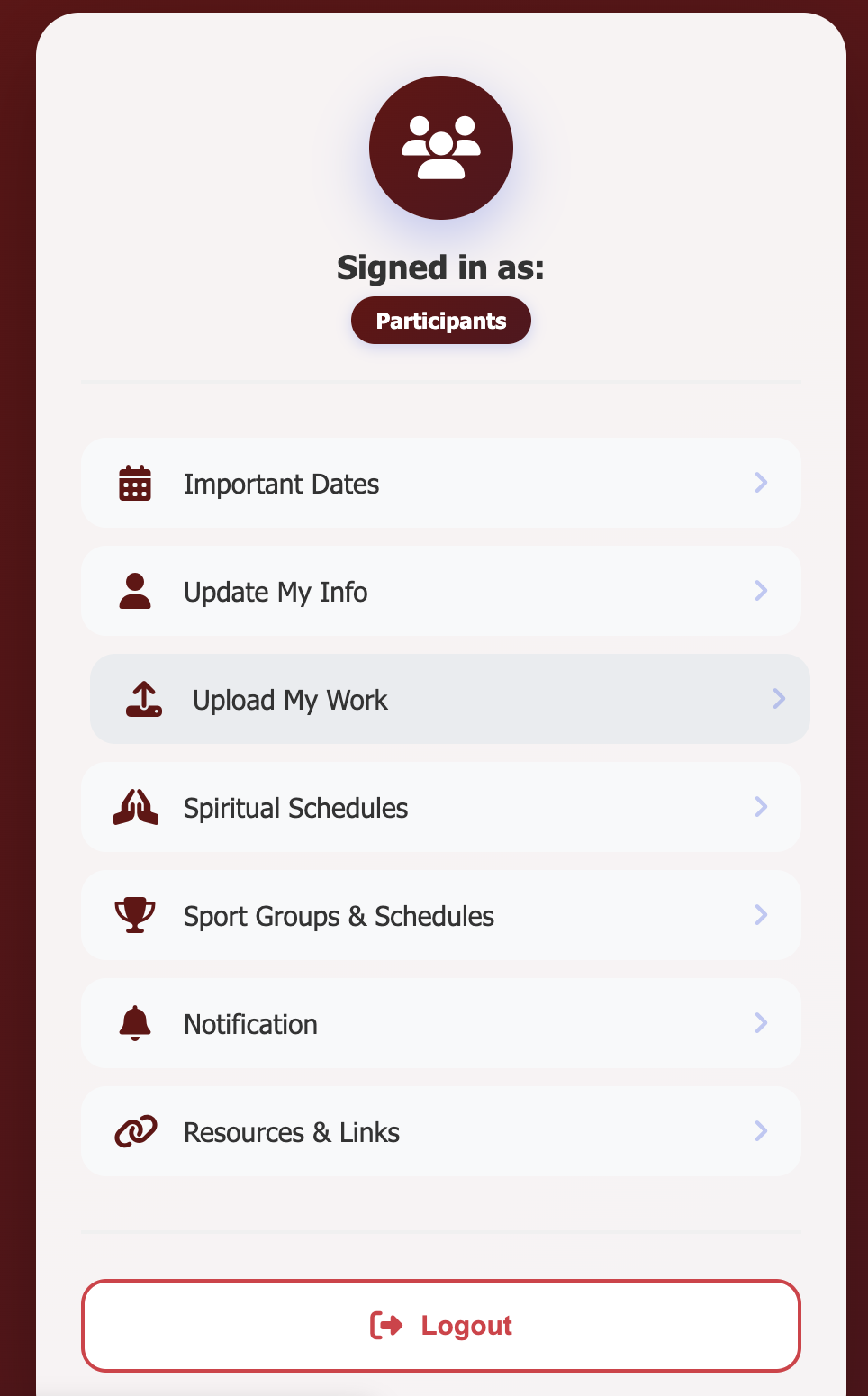
- Select “Upload My Work” from the menu as shown here:
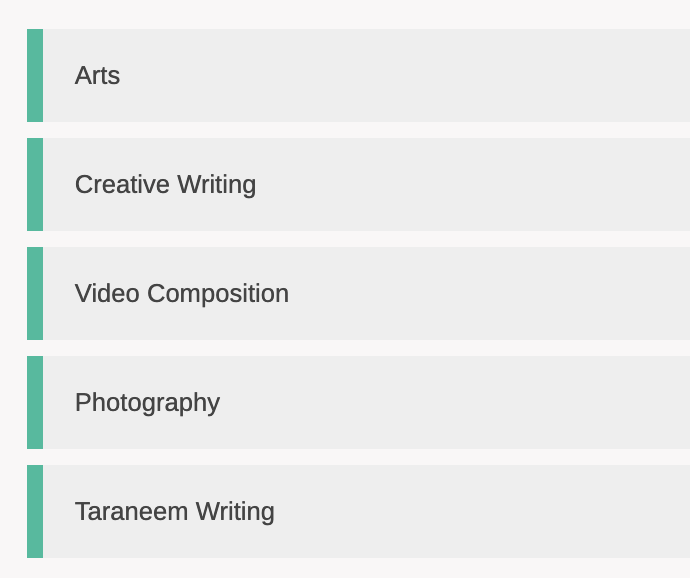
 You will find all the competitions you signed up for. Select the one you will submit your work for (NOTE: Video Composition is the same as short skit/mini drama):
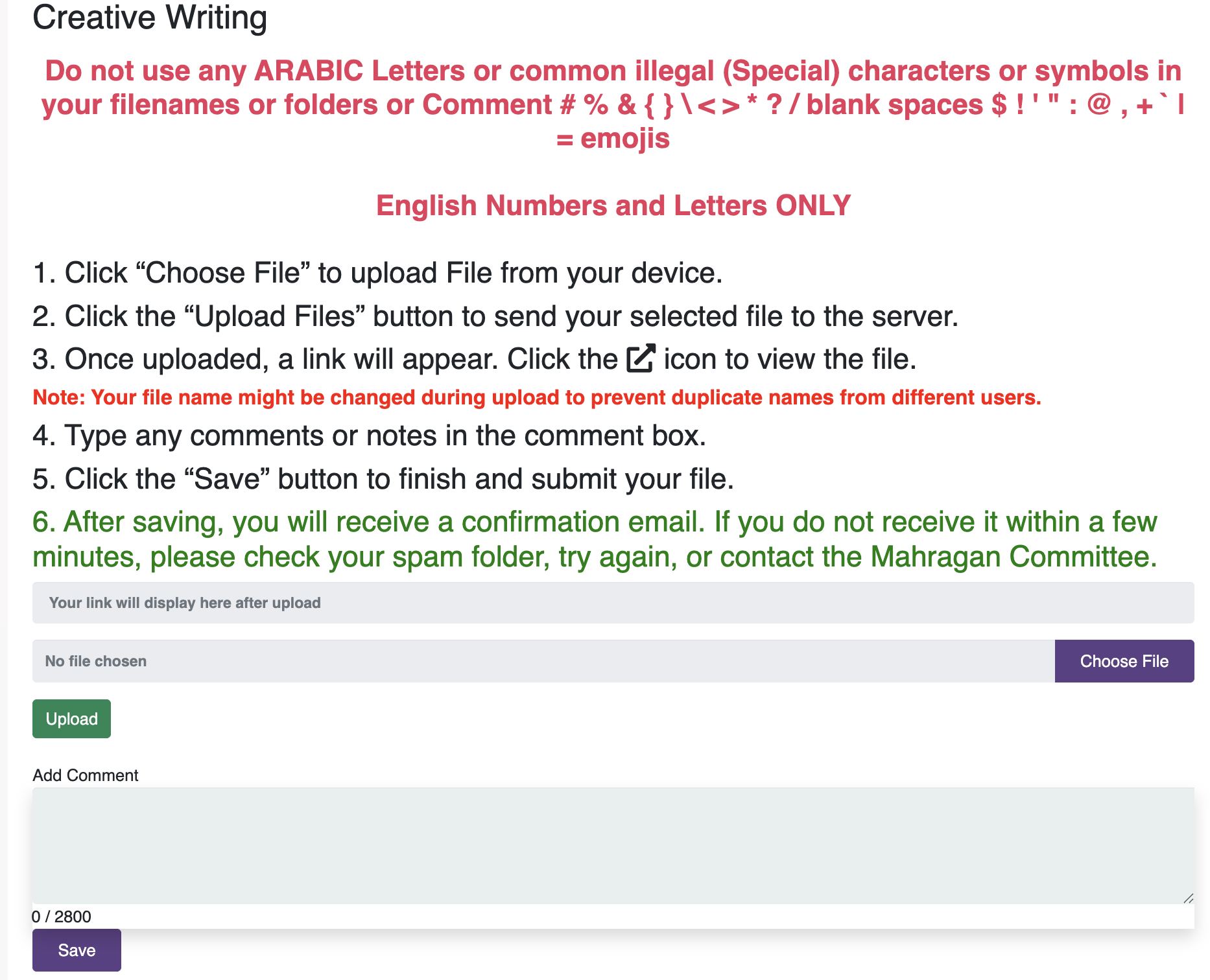
 Follow the steps to upload your file (see example below), see the link to your file, then write any comments in the text area that is needed when uploading your work (check the guidelines for each competition). Finally click “Save“. IMPORTANT – please make sure you upload the file with any of these extensions (pdf, png, jpg, mp3, mp4, mov). DO NOT upload a shortcut files (.url or .lnk), only upload the actual file.
Repeat steps 5 and 6 for each competition you need to submit your work for.
NOTE: All files names must be in “English” characters. Any Arabic characters in file names will not be readable and we can not guarantee that judges will be able to access it.